


6,40€
Em stock


Adaptador WiFi Bluetooth USB 150Mbps Wireless USB 2.4GHz 802.11 para PC
Marca: satkit
6,40€
IVA incluído (S/ IVA: 5,20€)
Em stock - Enviado imediatamente
Entrega padrão
Qua, Abr 22 - Sex, Abr 24
Entrega expresso
Seg, Abr 20 - Ter, Abr 21
Devoluções em 30 dias
Devoluções gratuitas em 30 dias
Transação segura






Share:
Entrega grátis
Em encomendas superiores a 60€
Devoluções fáceis
Política de devolução de 30 dias
Pagamento seguro
Checkout 100% seguro
Garantia de qualidade
Apenas produtos originais
Adaptador Wifi Bluetooth 4.0 Wireless USB 2.4GHz 150Mbps 802.11
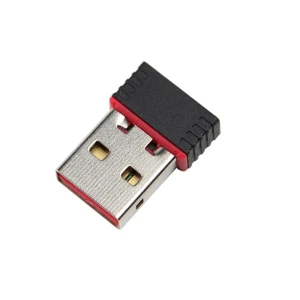
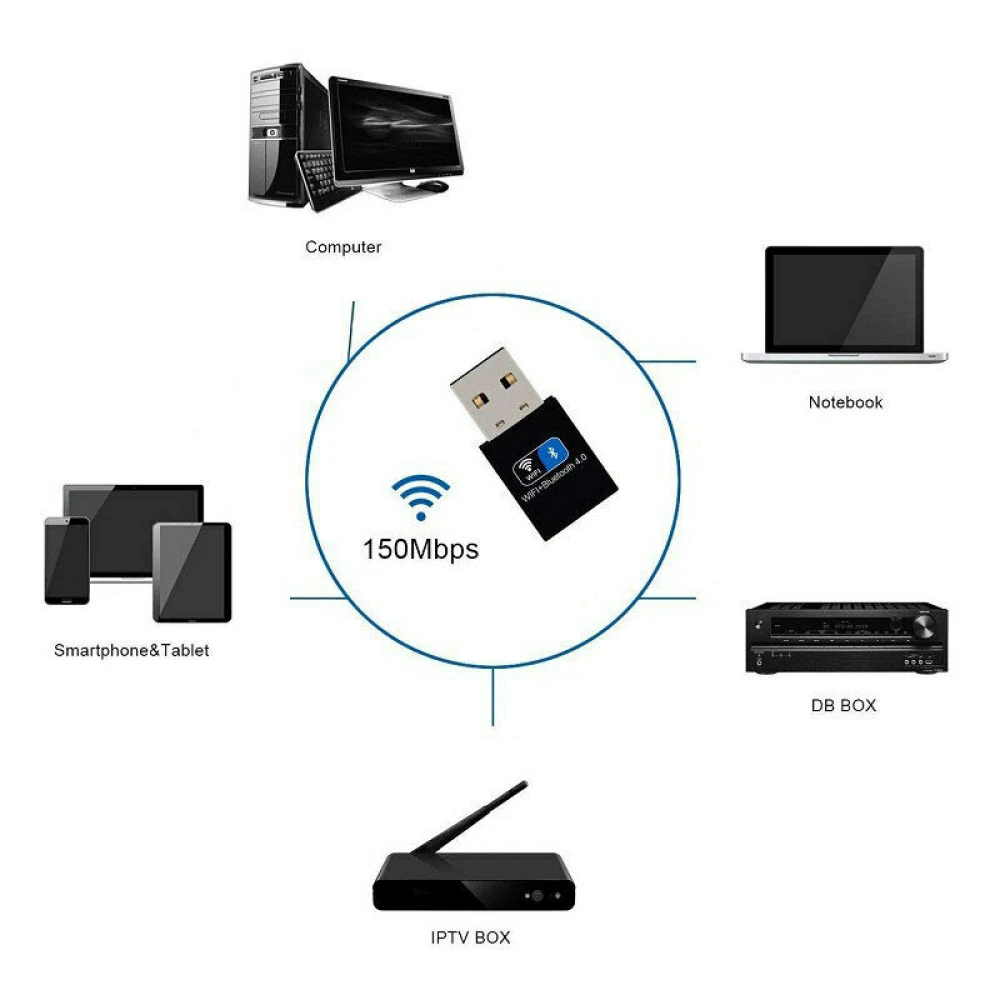
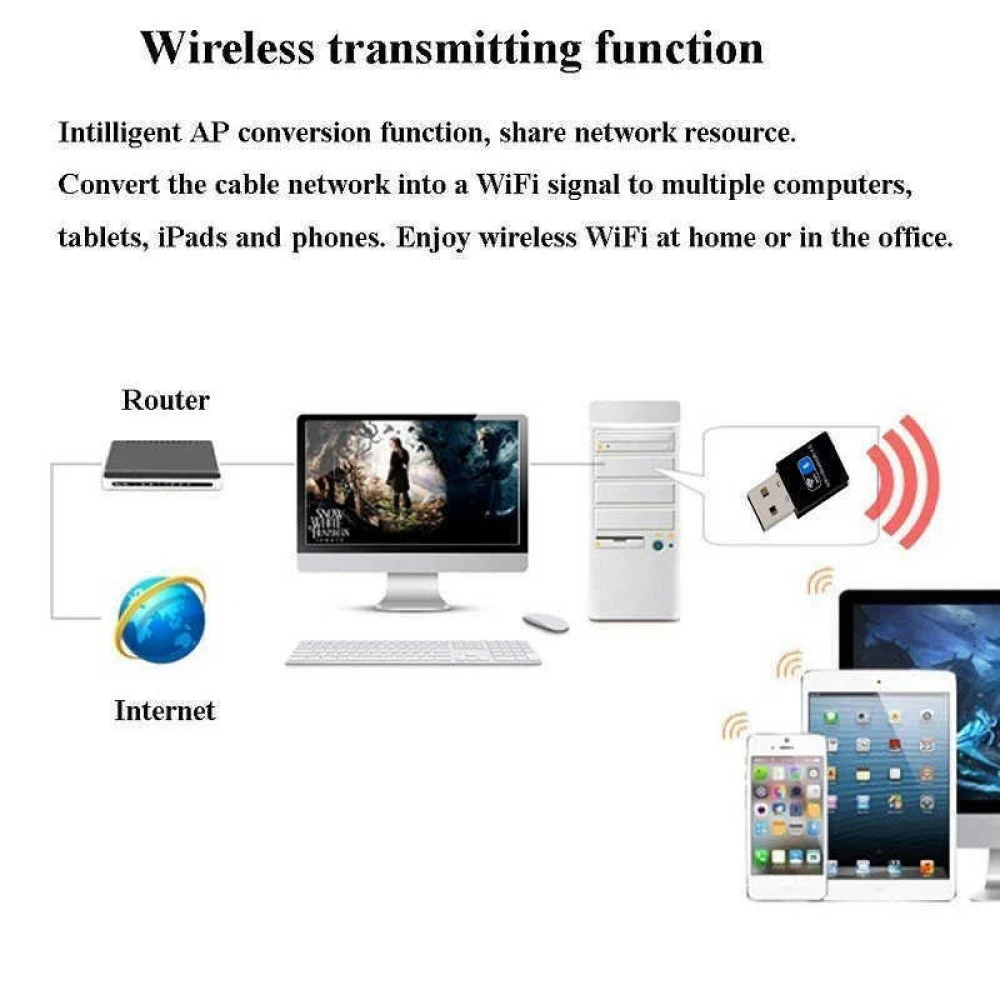
Este adaptador wifi bluetooth usb 150mbps é um dispositivo externo sem fios concebido para oferecer uma ligação rápida e estável tanto para redes WiFi como para Bluetooth. Com uma velocidade de transmissão de até 150Mbps, é ideal para utilizadores que procuram melhorar a conectividade dos seus equipamentos com tecnologia USB 2.0, compatível também com USB 3.0 e USB 1.1.
Características principais:
- Aplicação: Servidor e uso doméstico ou profissional.
- Tipo: Adaptador sem fios externo.
- Velocidade de transmissão: Até 150Mbps para uma ligação rápida e eficiente.
- Rede aplicável: Compatível com redes rápidas 802.11n/g/b.
- Interface: USB 2.0 compatível com USB 3.0 e USB 1.1 para máxima versatilidade.
- Frequência: 2.4GHz para um sinal estável e ampla cobertura.
- Chip: Placa de rede Realtek 8723BU de alta qualidade para um desempenho ótimo.
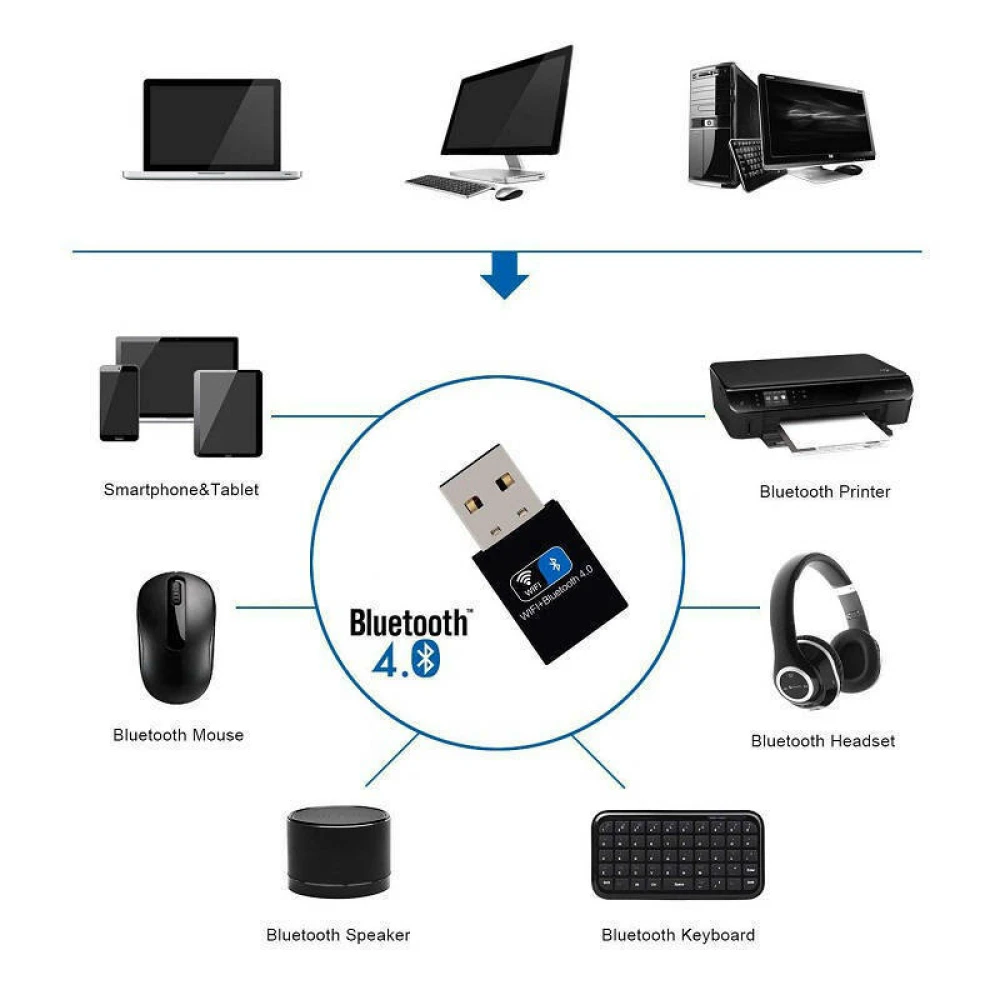
- Bluetooth: Versão 4.0 com alcance estendido para ligar vários dispositivos.
- Antena: Antena dupla instalada para melhorar a receção e transmissão do sinal WiFi.
- Sistemas compatíveis: Funciona perfeitamente com todos os sistemas Windows e Linux.
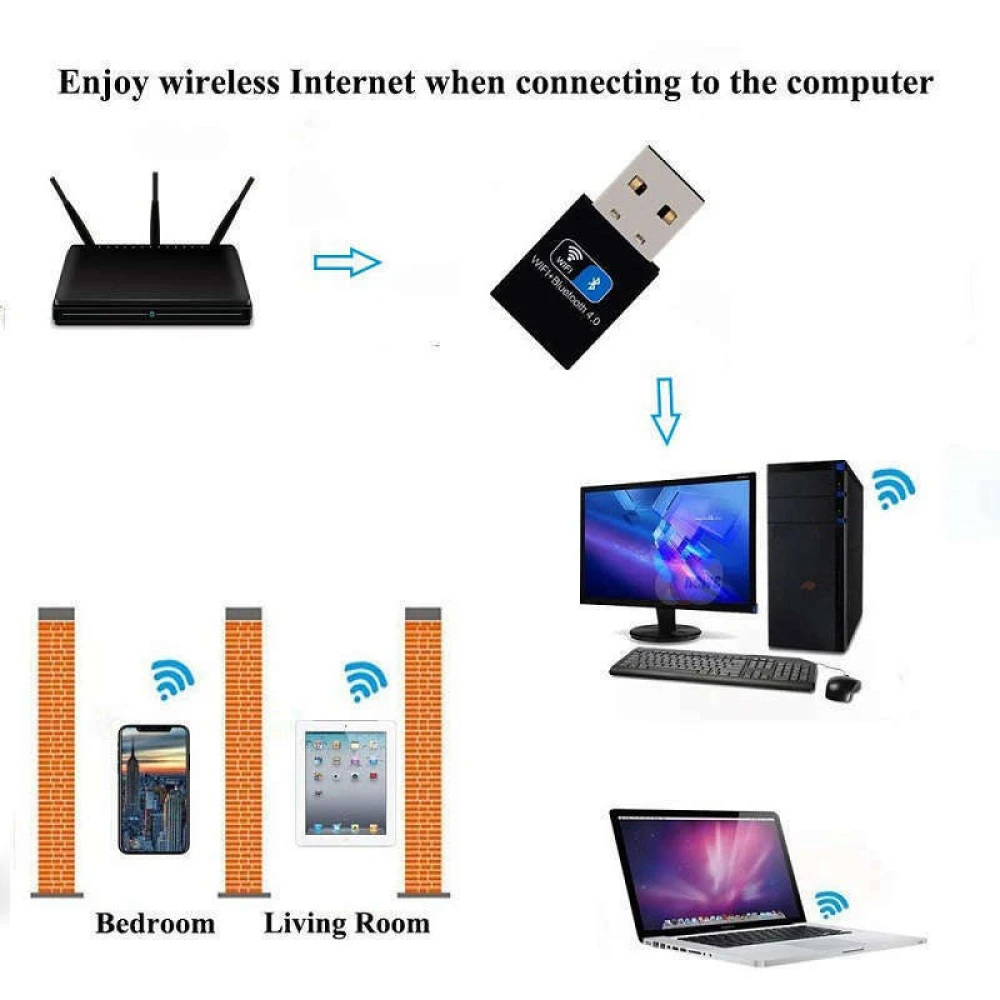
- Cobertura: Aproximadamente 180 metros quadrados, ideal para áreas grandes.
- Funcionalidade: Permite receção e envio simultâneo de sinais WiFi e Bluetooth.
- Cor e material: Preto, fabricado em metal e plástico para durabilidade.
Utilizações típicas:
- Ligar computadores de secretária ou portáteis sem WiFi integrado a redes sem fios.
- Adicionar funcionalidade Bluetooth 4.0 para ligar dispositivos como auscultadores, teclados ou ratos.
- Melhorar o sinal WiFi em zonas com cobertura limitada graças à sua antena dupla.
- Uso em servidores ou estações de trabalho que requerem ligações estáveis e rápidas.
Compatibilidade: Este adaptador é compatível com sistemas operativos Windows e Linux, o que o torna uma opção versátil para diferentes ambientes de trabalho ou domésticos. A sua interface USB 2.0 garante compatibilidade com a maioria das portas USB atuais e antigas.
Com este adaptador wifi bluetooth usb 150mbps poderá desfrutar de uma ligação sem fios eficiente e estável, melhorando a experiência na navegação, transferência de ficheiros e ligação de dispositivos Bluetooth.
- Velocidade de transmissão até 150Mbps para ligação rápida
- Compatível com USB 2.0, USB 3.0 e USB 1.1
- Bluetooth 4.0 com alcance estendido para vários dispositivos
- Antena dupla para melhorar o sinal WiFi e a cobertura
- Compatível com sistemas Windows e Linux
- Cobertura aproximada de 180 metros quadrados
- Função simultânea de receção e envio de sinal WiFi e Bluetooth
- Chip Realtek 8723BU de alta qualidade para desempenho ótimo
- Design externo sem fios fácil de instalar
- Material resistente em metal e plástico na cor preta
Perguntas e Respostas de Clientes
Quin és l’abast real del senyal WiFi en interiors, tenint en compte parets estàndard?
En entorns interiors amb parets de maó o formigó, l’abast efectiu sol reduir-se dels 180 m² especificats teòricament a aproximadament 10–20 metres lineals, depenent del nombre i tipus d’obstacles. La velocitat màxima (150 Mbps) només s’assoleix en condicions òptimes.
Quines són les especificacions físiques i què porta la caixa?
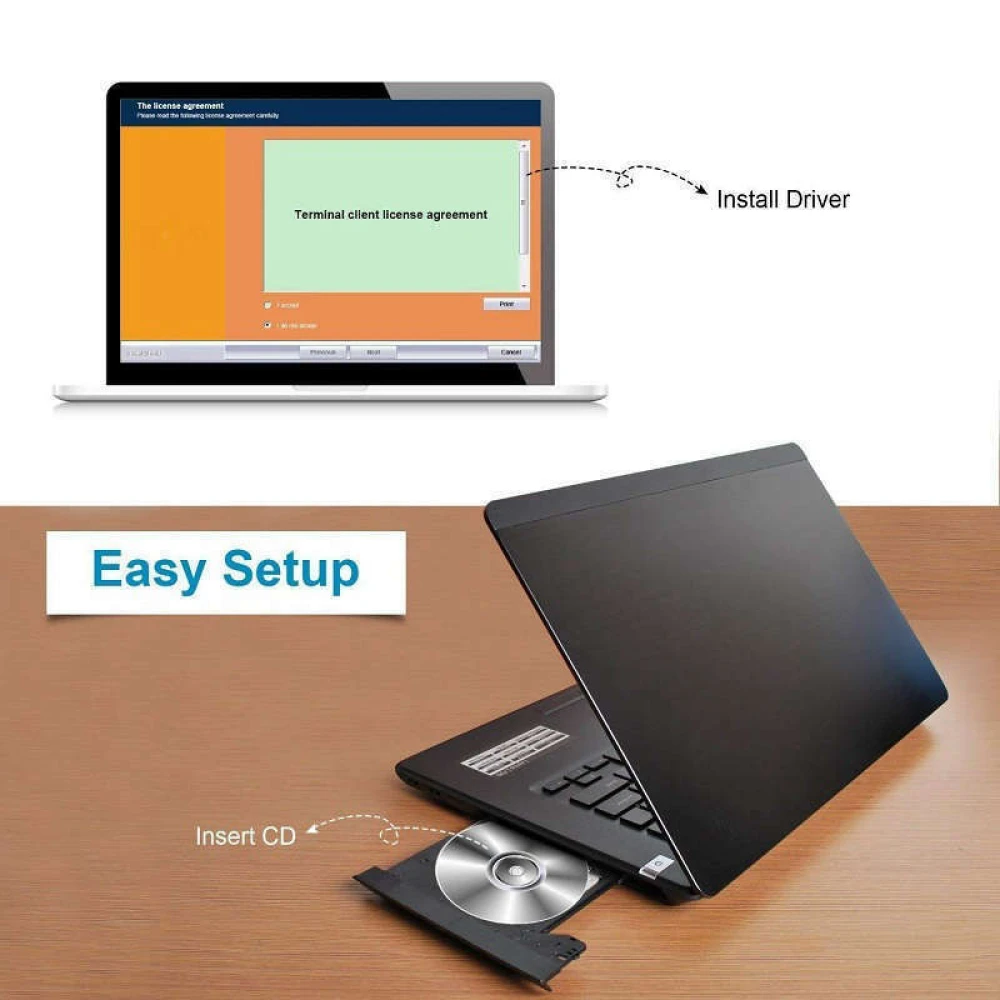
L’adaptador està fabricat en metall i plàstic, mesura aproximadament 50 mm x 20 mm x 10 mm i pesa menys de 25 grams. La caixa inclou únicament l’adaptador i, en alguns casos, un mini CD amb drivers (segons el distribuïdor). És recomanable verificar si s’inclouen drivers si s’ha d’utilitzar en sistemes sense connexió prèvia a Internet.
Què he de fer si l’adaptador no es detecta en connectar-lo a un port USB?
Si el dispositiu no és reconegut, primer proveu de connectar-lo a un altre port USB i reinicieu l’equip. En sistemes Windows, comproveu al Gestor de dispositius la presència de l’adaptador i reinstal·leu el driver si cal. A Linux, consulteu els logs amb 'dmesg' per verificar la detecció del maquinari i instal·leu els controladors per a Realtek 8723BU si no hi ha detecció automàtica. Si el problema persisteix, pot ser degut a incompatibilitat amb el chipset de la placa base o a manca de suport al sistema operatiu.
What is the actual WiFi range indoors, taking standard walls into account?
In indoor environments with brick or concrete walls, the effective range is usually reduced from the theoretically specified 180 m² to around 10–20 linear metres, depending on the number and type of obstacles. The maximum speed (150 Mbps) is only achieved under optimal conditions.
What are the physical specifications and what is included in the box?
The adapter is made of metal and plastic, measures approximately 50 mm x 20 mm x 10 mm and weighs less than 25 grams. The box includes only the adapter and, in some cases, a mini CD with drivers (depending on the distributor). It is advisable to check whether drivers are included if it will be used on systems without prior internet access.
What should I do if the adapter is not detected when plugged into a USB port?
If the device is not recognised, first try connecting it to another USB port and restart the computer. On Windows systems, check Device Manager for the adapter and reinstall the driver if necessary. On Linux, check the logs with 'dmesg' to verify hardware detection and install the drivers for Realtek 8723BU if automatic detection does not occur. If the problem persists, it may be due to incompatibility with the motherboard chipset or lack of operating system support.
What is the actual WiFi range indoors, taking standard walls into account?
In indoor environments with brick or concrete walls, the effective range usually drops from the theoretically specified 180 m² to around 10–20 linear metres, depending on the number and type of obstacles. The maximum speed (150 Mbps) is only achieved under optimal conditions.
What are the physical specifications and what is included in the box?
The adapter is made of metal and plastic, measures approximately 50 mm x 20 mm x 10 mm and weighs less than 25 grams. The box includes only the adapter and, in some cases, a mini CD with drivers (depending on the distributor). It is advisable to check whether drivers are included if it will be used on systems without prior internet access.
What should I do if the adapter is not detected when plugged into a USB port?
If the device is not recognised, first try connecting it to another USB port and restart the computer. On Windows systems, check Device Manager for the adapter and reinstall the driver if necessary. On Linux, check the logs with 'dmesg' to verify hardware detection and install the drivers for Realtek 8723BU if automatic detection does not occur. If the problem persists, it may be due to incompatibility with the motherboard chipset or lack of operating system support.
Vad är den verkliga WiFi-räckvidden inomhus, med vanliga väggar?
I inomhusmiljöer med tegel- eller betongväggar minskar den effektiva räckvidden ofta från de teoretiska 180 m² till cirka 10–20 meter i linje, beroende på antal och typ av hinder. Maxhastigheten (150 Mbps) uppnås endast under optimala förhållanden.
Escrever uma avaliação de cliente
Clientes que compraram este artigo também compraram
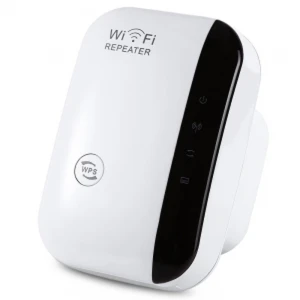
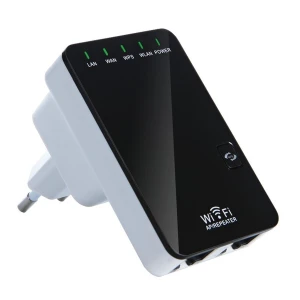
Repetidor WiFi 300Mbps 2.4GHz WR03 - Extensor e amplificador sem fios satkit
6,15€
Só restam 2 em stock
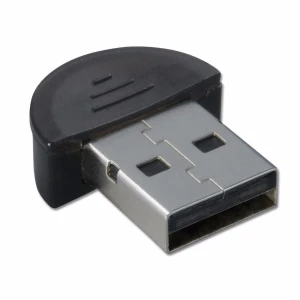
Mini adaptador Bluetooth 2.0 USB para PC e portátil com software incluído
4,80€
Só restam 7 em stock
Artigos vistos recentemente
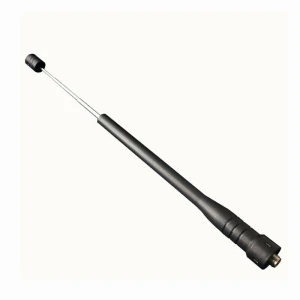
Antena telescópica para walkie talkie Baofeng compatível e de alta qualidade
3,70€
Só restam 1 em stock
 Adaptador WiFi Bluetooth USB 150Mbps Wireless USB 2.4GHz 802.11 para PC
6,40€